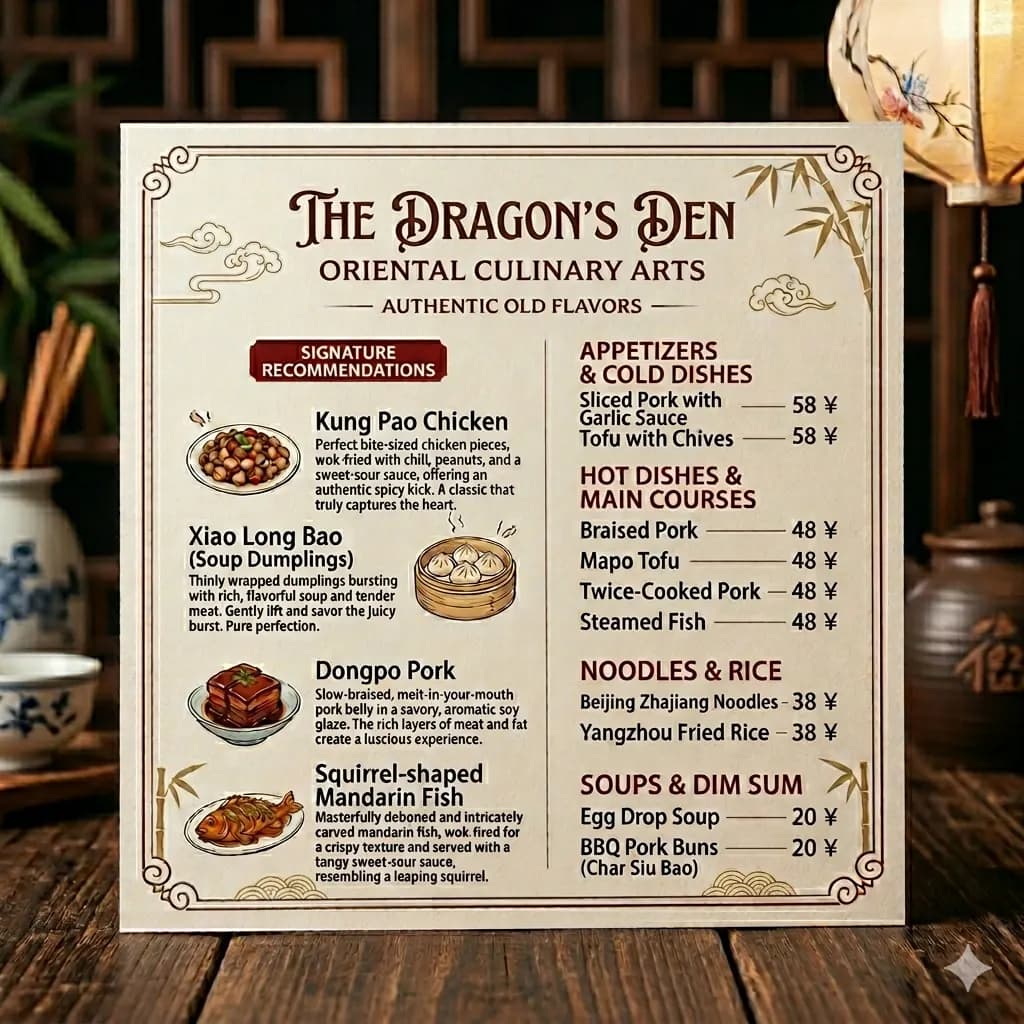
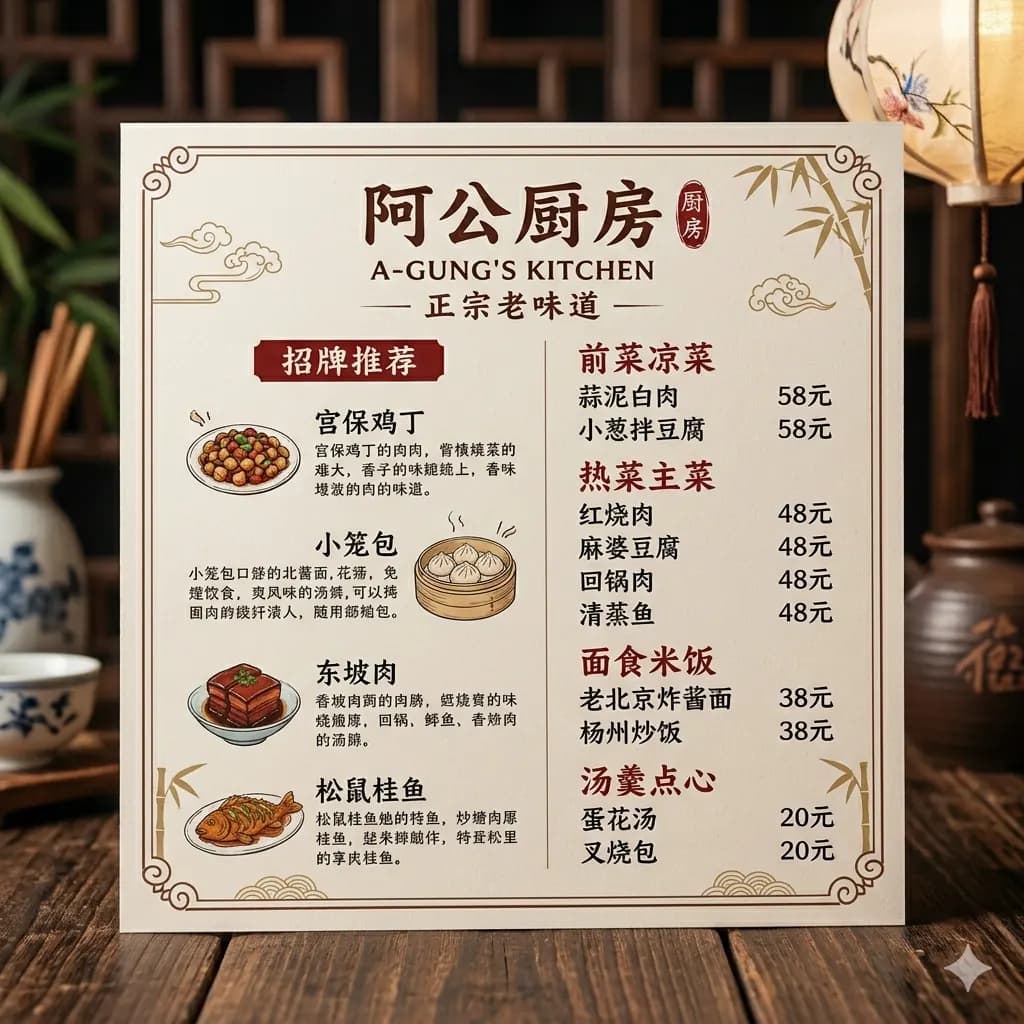
Restaurant menu
Translate sections and dish descriptions without losing the menu's visual grouping.
Upload a restaurant menu photo and get an English image that keeps sections, dish names, and prices easy to scan.
Built for travel menus, delivery screenshots, cafe boards, and food photos with visible text.
JPG, PNG, WebP up to 10MB. Translate screenshots, manga pages, menus, and product images without losing layout.
Translate sections and dish descriptions without losing the menu's visual grouping.
Avoid steep angles so menus, signs, and posters keep readable lines.
Reflections on laminated menus or signs can hide critical words.
A tight crop helps prices, dates, arrows, and instructions stay connected.
Menus are easier to understand when headings, item names, descriptions, and prices stay grouped. Layout-preserved output keeps that context visible.
Understand a restaurant menu before ordering.
Translate menu screenshots from local delivery apps.
Read specials, drink names, and price lists from photos.
Create English reference images for dishes and ingredients.
Use a clear menu photo or screenshot.
Dish names, descriptions, and headings are translated into English.
The result keeps sections and spacing easier to scan than text-only OCR.
Menus are easier to understand when headings, item names, descriptions, and prices stay grouped. Layout-preserved output keeps that context visible.
Images are processed temporarily and deleted after 24 hours.
Yes. Upload a clear menu photo or screenshot and translate it into English.
The translated image preserves the menu layout where possible, including prices and sections.
Yes. Screenshots from delivery apps work well when text is readable.
Printed text works best. Clear handwriting may work, but stylized handwriting is less reliable.
Images are processed temporarily and deleted after 24 hours.